
Upgrade for a reason
A phone can feel old long before it stops being useful. A weaker battery, full storage, a cracked screen or a tempting new feature can make replacement seem obvious, even when a repair or cleanup could solve the actual problem.
The opposite can also happen. A phone may still turn on and handle basic tasks while losing software support, becoming unreliable or requiring repairs that no longer make practical sense. The useful question is not simply how old the phone is. It is whether keeping it still meets your needs at a reasonable cost, with acceptable reliability and current security support.
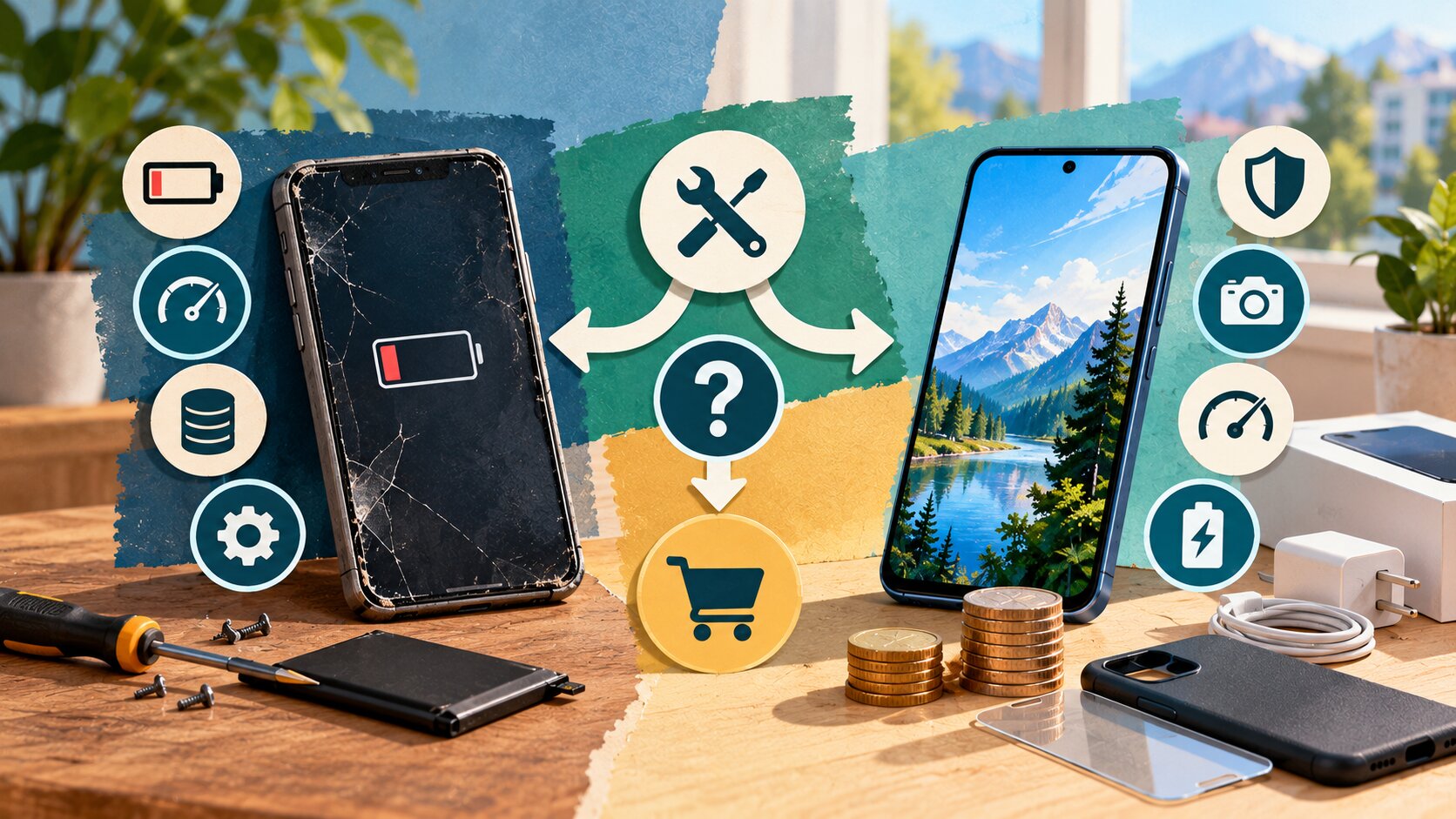
The decision at a glance
- Best for: Anyone deciding whether to keep, repair or replace a smartphone.
- What this covers: Software support, battery condition, repair costs, financing, wireless-plan implications, storage, useful features and old-device disposal.
- What this does not cover: A recommendation for a specific phone model, carrier or repair provider.
- Main caution: A low monthly device payment can make an upgrade look cheaper than its total cost.
- When to get professional help: Use an authorized or qualified repair provider when battery swelling, overheating, liquid damage or uncertain hardware damage is involved. Contact your wireless provider or the CRTC/CCTS framework when contract or financing obligations are unclear.
Start with the problem you are trying to solve
Before looking at new phones, describe what is wrong with the one you already have.
Possible problems include:
- battery life no longer lasting through normal use;
- a cracked or damaged display;
- charging problems;
- unreliable buttons or ports;
- insufficient local storage;
- slow performance;
- apps that no longer work properly;
- loss of current operating-system or security support;
- camera limitations that interfere with something you actually do;
- poor accessibility for your current needs;
- physical damage that makes the device unreliable.
If you cannot identify a specific problem, that is useful information.
Wanting a new phone is a valid personal preference, but it is different from needing one. Separating those two decisions makes the cost easier to judge.
Define success before shopping
Finish this sentence:
I would replace my current phone because I need the new one to ________.
Useful answers might be:
- last a full workday;
- run an app required for work;
- provide current security support;
- offer enough storage for offline files;
- improve accessibility;
- replace an unreliable charging system.
"Feel newer" is harder to measure.
When the problem is defined first, you can compare repair and replacement against the same goal.
Check software and security support
Age alone is not a reliable way to determine whether a phone is still supported.
Support periods differ by manufacturer, model and release date.
Google currently states that Pixel 8 and later phones receive seven years of operating-system and security updates from their initial availability on the Google Store in the United States. Pixel 6 through Pixel 7a models, including the original Pixel Fold, receive five years under Google's current policy.
Apple does not use the same simple seven-year rule across the iPhone range. Its current security-release information shows that different generations can receive different software branches and security updates.
That means the useful check is model-specific.
Check these three things
Before deciding that your phone is "too old," find out:
- Is the device still receiving security updates?
- Can it run the current operating system or another currently maintained version?
- Do the apps you depend on still support it?
A phone that still works physically but no longer receives appropriate security support deserves a different decision than one that merely has an aging battery.
Do not confuse feature support with security support
A phone may stop receiving the newest headline features while still receiving security maintenance.
The reverse question also matters. A device can feel fast enough for ordinary tasks but become less suitable if important security maintenance has ended.
Check the manufacturer's current support information instead of assuming every model from the same year has the same timeline.
Find out whether the battery is the real problem
Battery decline can make an otherwise useful phone feel worn out.
Symptoms may include:
- much shorter runtime;
- unexpected shutdowns;
- performance changes under heavy load;
- needing to recharge several times a day.
If the main complaint is battery life, ask whether replacing the battery would restore enough useful life to justify keeping the phone.
A battery problem is different from a swollen battery
Ordinary battery wear is a cost-and-convenience decision.
A swollen, damaged or overheating battery is a safety issue.
If the phone is bulging, separating at the case, unusually hot, damaged around the battery area or otherwise appears unsafe, stop treating the problem as a normal upgrade calculation. Seek appropriate repair guidance and avoid puncturing, crushing or attempting an unsafe DIY removal.
Compare the whole phone, not only the battery
A battery replacement can make sense when:
- the phone still receives suitable software support;
- performance remains adequate;
- the screen and cameras work;
- storage is sufficient;
- there are no other expensive repairs looming.
It becomes a less convincing solution when the battery is only one of several major problems.
Compare repair with replacement
Do not use a universal rule such as "repair if it costs less than 50% of a new phone."
That shortcut ignores remaining software support, device condition, replacement cost and how much longer you expect to use the phone.
Use a broader comparison.
| Question | Repair current phone | Replace phone |
|---|---|---|
| Upfront cost | C$_____ | C$_____ |
| Software support remaining | _____ | _____ |
| Battery condition afterward | _____ | _____ |
| Performance for your needs | _____ | _____ |
| Storage | _____ | _____ |
| Other known damage | _____ | _____ |
| Setup effort | Lower | Higher |
| Expected useful life | _____ | _____ |
| Overall fit | _____ | _____ |
One repair can be worthwhile
A single battery or screen repair may extend the life of an otherwise satisfactory phone.
Several repairs at the same time tell a different story.
For example, a device that needs a battery, display and charging-port repair while also nearing the end of software support presents a different value calculation from a supported phone that needs only a battery.
Get a real repair quote before comparing.
Calculate the full upgrade cost
The price shown beside a new phone is not always the full cost of upgrading.
Possible expenses include:
- handset purchase price;
- device financing;
- taxes;
- wireless-plan changes;
- case;
- screen protection;
- replacement charging accessories;
- optional protection plan;
- early device balance;
- device return or final purchase amount under a return-style program;
- cloud-storage changes.
Some costs are optional. Some depend on the carrier or purchase method.
List them instead of assuming the phone payment is the entire upgrade.
Compare the upgrade with keeping the current phone
| Cost | Keep/repair | Upgrade |
|---|---|---|
| Repair | C$_____ | C$0 |
| New device | C$0 | C$_____ |
| Required accessories | C$_____ | C$_____ |
| Wireless-plan difference | C$_____ | C$_____ |
| Protection plan | C$_____ | C$_____ |
| Trade-in credit | C$0 | -C$_____ |
| Estimated total | C$_____ | C$_____ |
Use actual quotes and contract terms.
A trade-in is not automatically a saving if obtaining the trade-in offer requires a more expensive purchase or service arrangement.
Do not let the monthly payment hide the price
Device financing can make an expensive phone feel inexpensive because the cost is divided into smaller payments.
Calculate the total.
Monthly device payment × number of payments = total scheduled device payments
If a hypothetical phone costs C$45 per month for 24 months:
C$45 × 24 = C$1,080
That does not automatically mean C$1,080 is the complete cost. Taxes, plan requirements, upfront amounts or return-plan conditions may also matter.
The point is to convert the monthly figure back into a total before deciding.
Device financing has contract implications
The CRTC has determined that device-financing arrangements are covered by Wireless Code protections.
Under the current Wireless Code, where a subsidized device is tied to the contract, the early cancellation amount is based on the remaining device subsidy and must decline over the applicable period, up to 24 months.
When there is no subsidized device, current rules prohibit an early cancellation fee.
Before upgrading through a carrier, ask for the written contract and identify:
- retail device price;
- amount paid upfront;
- financed or subsidized amount;
- monthly device payment;
- commitment period;
- cancellation implications;
- device-return conditions, if any.
Check whether the deal changes your wireless plan
A phone upgrade and a wireless-service change are separate decisions, even when they are sold together.
Ask:
- Can I keep my current plan?
- Is the advertised device price available only with certain plans?
- Does the plan cost more than the one I already have?
- Does accepting the device extend a commitment period?
- Is the phone financed, subsidized or rented/returnable?
- What happens if I switch providers early?
- Is there a final amount due if I keep a return-program device?
The Wireless Code requires providers to disclose key contract information and explain changes caused by accepting a device upgrade.
Compare the plan over the same period
Suppose an upgrade requires a wireless plan that is C$15 more per month for 24 months.
That difference represents:
C$15 × 24 = C$360
That C$360 belongs in the upgrade comparison even if the phone itself appears heavily discounted.
Again, this is an illustrative calculation, not a typical carrier price.
Decide how much storage you actually need
A nearly full phone can feel slow, restrictive and frustrating.
Before replacing it only for storage, check what is consuming the space.
Common categories include:
- videos;
- photos;
- downloaded streaming content;
- podcasts;
- games;
- messaging attachments;
- offline maps;
- work files;
- unused apps.
You may discover that a large amount of storage can be recovered.
Local storage and cloud storage solve different problems
Cloud storage can reduce pressure in some situations, but it does not make local storage irrelevant.
You may still need local space for:
- apps;
- offline media;
- travel;
- large games;
- video recording;
- work files;
- areas with poor connectivity.
Choose the next storage tier according to how you actually use the phone, not simply because a larger number feels safer.
Separate useful features from upgrade temptation
New phones arrive with better specifications and new features almost every year.
The decision is whether those improvements matter enough to you to justify the cost.
Evaluate features by use.
Camera
An improved camera may matter if you:
- regularly photograph children or sports;
- shoot video for work;
- need better low-light results;
- use particular focal lengths.
If you mostly take casual daylight photos, the improvement may carry less practical value.
Performance
More processing power can matter for:
- gaming;
- video editing;
- demanding creative tools;
- specialized work applications.
It may be difficult to notice during email, messaging and basic browsing if the current phone already performs those tasks smoothly.
Accessibility
Accessibility can be a strong reason to replace a phone.
A larger or brighter display, improved hearing-device compatibility, better voice control or other supported accessibility features can materially affect daily use.
Safety and connectivity features
Newer devices can offer newer emergency, satellite or connectivity capabilities.
Check whether a feature is actually supported:
- on the model;
- in Canada;
- by your carrier;
- in the locations where you expect to use it.
Do not buy based only on a presentation slide or feature name.
Account for switching and setup work
A new phone has a non-financial cost: setup.
Before wiping the old one, make sure you have a plan for:
- backups;
- photos and videos;
- contacts;
- authenticator apps;
- banking apps;
- passwords;
- messaging history;
- eSIM or physical SIM;
- work profiles;
- health or fitness data;
- paired watches;
- Bluetooth devices;
- downloaded files.
Authenticator apps deserve extra attention
Two-factor authentication can create avoidable lockouts if the old phone is erased before accounts and recovery methods are transferred.
Check the migration instructions for each important authentication system before wiping the old phone.
Keep the old device intact until the new one works
Where practical, complete the transfer first.
Confirm that:
- calls work;
- messages arrive;
- important apps open;
- authentication works;
- photos and files transferred;
- required accounts are accessible.
Only then prepare the old device for sale, trade-in, donation or recycling.
Decide what to do with the old phone
A replaced phone does not automatically belong in the garbage.
Possible options include:
- keep it as a backup;
- sell it;
- trade it in;
- give it to someone who can use it;
- donate it through an appropriate program;
- recycle it.
The Government of Canada's Office of Consumer Affairs advises consumers not to put old phones or batteries in regular garbage and points people toward appropriate recycling options.
Protect your personal information first
Before selling, donating or recycling a phone:
- back up anything you need;
- transfer authentication methods;
- sign out where required;
- remove or transfer the SIM/eSIM appropriately;
- follow the manufacturer's factory-reset instructions;
- remove activation locks or device-management profiles where appropriate.
The federal e-waste guidance specifically advises properly wiping personal information and removing the SIM card before disposal.
Do not erase the device until you know the new phone and important accounts are working.
Build the final decision scorecard
Score both options based on your actual needs.
| Decision factor | Keep/repair | Upgrade |
|---|---|---|
| Upfront cost | ___ | ___ |
| Software support | ___ | ___ |
| Battery | ___ | ___ |
| Performance | ___ | ___ |
| Storage | ___ | ___ |
| Required features | ___ | ___ |
| Repair risk | ___ | ___ |
| Wireless-plan impact | ___ | ___ |
| Setup effort | ___ | ___ |
| Expected useful life | ___ | ___ |
| Overall fit | ___ | ___ |
Do not give every category equal weight automatically.
If security support is ending, that may matter more than camera quality.
If the phone is fully supported and the only problem is a replaceable battery, repair cost may deserve more weight than new features.
Three reasonable outcomes
After doing the comparison, the answer will often fall into one of three categories:
Keep it
The phone still works, receives suitable support and meets your needs.
Repair it
One correctable problem is making an otherwise useful phone frustrating.
Replace it
Support, reliability, repair needs or practical limitations have reached a point where replacement offers enough real benefit to justify the cost.
None of these is automatically the "smart" choice.
The best answer depends on the phone you have and the problem you need to solve.
Before you upgrade
Run through this final checklist:
- What specific problem am I trying to solve?
- Is my current phone still receiving appropriate software and security support?
- Could a battery replacement or other repair solve the main problem?
- What is the full repair quote?
- What is the full purchase or financing cost of the replacement?
- Does the upgrade require changing my wireless plan?
- What happens if I cancel the service or change providers early?
- Am I paying for features I will genuinely use?
- Do I actually need more storage?
- How much setup and account-transfer work is involved?
- What will I do with the old phone?
- If I wait another six months, what meaningful problem will that create?
If the last question has no convincing answer, waiting may be reasonable.
A phone should be replaced because the replacement solves a meaningful problem at a cost you understand, not simply because a newer model exists.
Frequently asked questions
How often should I replace my phone?
There is no universal replacement schedule. Software support, battery condition, repair needs and your actual usage matter more than age alone. Some phones receive years of software support, so check the policy for your exact model before deciding.
Should I replace my phone when the battery gets weak?
Not automatically. If the phone remains supported and otherwise meets your needs, a battery replacement may extend its useful life. Compare a real battery-replacement quote with the full cost and expected benefit of replacing the phone.
How long do Google Pixel phones receive updates?
Google currently states that Pixel 8 and later models receive seven years of operating-system and security updates from initial U.S. Google Store availability. Pixel 6 through Pixel 7a models and the original Pixel Fold receive five years under Google's current policy.
Does an old iPhone stop being secure as soon as it misses the newest iOS version?
Not necessarily. Apple can issue security updates for more than one iOS branch. Check Apple's current security-release information for the exact device rather than relying only on whether it supports the newest headline operating-system version.
Can a carrier charge me to leave a device-financing agreement early?
Device-financing arrangements are covered by the Wireless Code. Where a subsidized device is involved, an outstanding device subsidy can affect the amount due when cancelling. Current rules prohibit an early cancellation fee when there is no subsidized device. Read the specific contract before upgrading.
Should I trade in or recycle my old phone?
If the phone still has useful life, selling, trading in or passing it to another user can be reasonable. If it is no longer usable, use an appropriate electronics-recycling channel instead of regular garbage. Wipe personal information before transferring or recycling it.
By: Yocahu Canada
Last updated: 2026-10-15
Disclosure: This article provides independent consumer information. No affiliate or sponsored relationship is identified for this article.
Important scope note
This article provides general consumer information, not individualized financial, legal, cybersecurity or repair advice. Phone-support periods, repair options, carrier financing and service-plan terms differ by model and provider. Check the current manufacturer and wireless-provider information that applies to your device before committing to an upgrade.
References
- CRTC: The Wireless Code, simplified, current Canadian protections covering contracts, device subsidies, financing, cancellation and upgrade-related disclosures.
- Google Pixel Help: Learn when you'll get software updates, current model-specific Pixel operating-system and security-update periods.
- Apple: Apple security releases, current Apple security releases showing supported devices and software branches.
- Office of Consumer Affairs: E-waste, federal guidance on reusing, recycling and protecting personal data when disposing of electronics.
Post a Comment